Teaching Computer Skills to Seniors: Tips That Actually Work
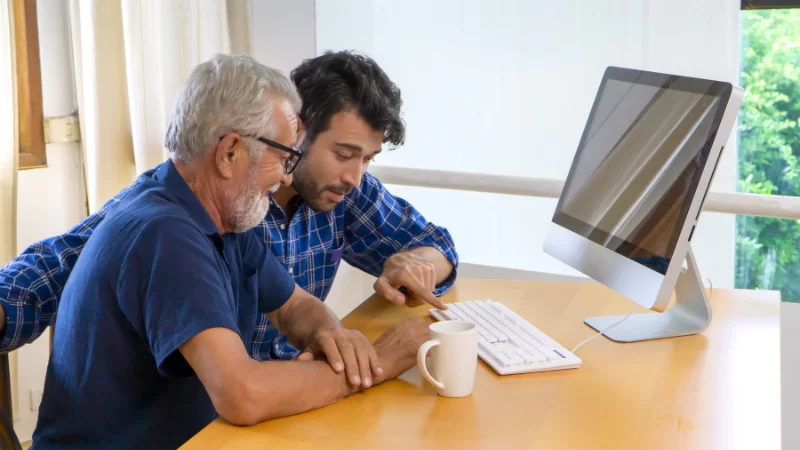
Picture it—your dad squinting at a mouse like it’s some tiny spaceship, or maybe a whole group gathered in the senior living community rec room, poking at tablets and trying to remember where the “send” button is. It’s honestly kind of endearing, but it can also be tricky on both sides of the screen. The good news? With some patience, humor, and a bit of flexibility, showing seniors the ropes on computers can be both rewarding and even a little fun.
Start With What Matters to Them
Let’s be real, most folks aren’t itching to learn Excel formulas or set up VPNs. What they do want is to see their grandkids’ pictures, email old friends, or even video chat with that cousin who moved to Florida in the ‘80s. So the best place to start is with stuff they actually care about. Before I taught my aunt anything else, I showed her how to use YouTube to watch her favorite cooking shows—after that, she was all in.
Ask your students what interests them. Maybe they want to play bridge online, or maybe checking the weather is enough for now. Building the lessons around their interests guarantees people stay engaged (and way less bored).
Go Slow—No, Even Slower Than That
One thing I’ve learned: speed isn’t your friend. This isn’t a race, so toss the idea of “cramming” right out the window. Break everything into itty-bitty steps and review often. If someone is stuck on how to open a new tab, don’t just plow ahead—circle back and let them do it a few times, until it’s second nature. Over-explaining is better than under-explaining, and honestly, repeating yourself gently is just part of the package.
Use Big Visuals, Real Examples
Screens can be confusing, especially if you have tired eyes or shaky hands. Use big fonts when possible. Point at things on the screen (or even draw pictures if you need to). If you’re handing out a cheat sheet, make it huge and clear. Step-by-step photos, not just words, help a ton. Plenty of folks like having a printed guide by their keyboard—no shame in that!
Real-world examples are best. Want to show how Google search works? Search for a favorite movie or recipe right then and there. The more your lessons tie in with everyday life, the quicker your students will grab hold.
Expect to Laugh (and Hit a Few Snags)
Few computer classes go perfectly. Sometimes, the Wi-Fi flakes out, someone forgets their password three weeks in a row, and you end up all laughing about it. That’s good! Humor is what keeps everybody calm. Swap tech horror stories. Be honest about your own mess-ups (because we all have them).
If you hit a snag, pause and figure it out together. No need to rush people, and no one needs to feel ashamed about asking the same question twice…or sixteen times.
Get Extra Help When Needed
If people are especially anxious or frustrated, you might want to tap outside resources. Many community centers or libraries have free tech help, and the AARP is loaded with tips and tricks for seniors learning tech.
And don’t stress—the more you work together, the faster the lightbulbs start firing. Before you know it, you’ll find students signing up for online classes or video calling everyone they know.
Remember—It’s More Than Just the Tech
The real magic? It’s not about computers. It’s about giving someone confidence, new ways to connect, and a little bit of independence back. So if you walk out of class with a few extra smiles (and maybe a slice of homemade cake from a grateful student), I’d call it a big win.